Options & Preferences
This page covers the two Object-Mode option popovers, Real mode, and the Rotor add-on preferences.
Tool Options (Object Mode)
The Tool Options popover (axis-empty icon, far right of the header) holds settings that govern how Rotor behaves beyond the modifier itself.
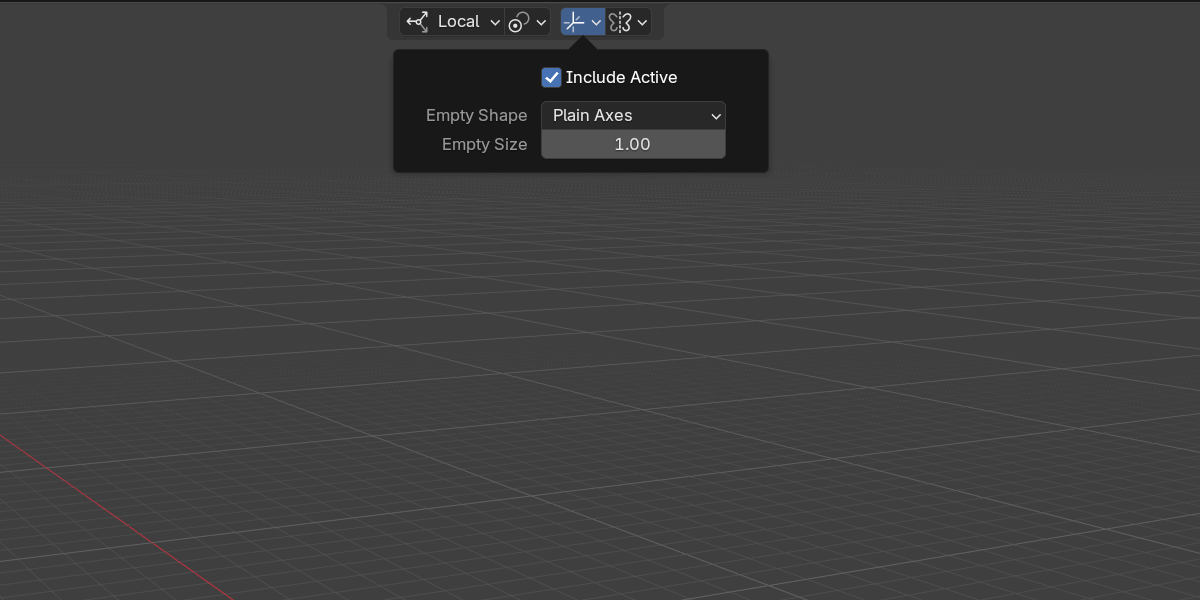
Include Active
Only meaningful when Pivot is set to Active Element. It decides what happens to the active object:
- On — the active object is mirrored along with the rest of the selection.
- Off — the active object is left untouched and acts as the still center that everything else mirrors around.
Empty Shape / Empty Size
When Element is set to Collections, each mirrored collection is instanced through an empty. These two settings control how that empty is drawn:
- Empty Shape — the display type of the created empty (e.g. plain axes, arrows, sphere).
- Empty Size — the on-screen size of the empty.
They have no effect when Element is Objects.
Mirror Options (Object Mode)
The Mirror Options popover (mirror-modifier icon) exposes the standard Blender Mirror-modifier settings that Rotor writes into the modifiers it creates and edits.
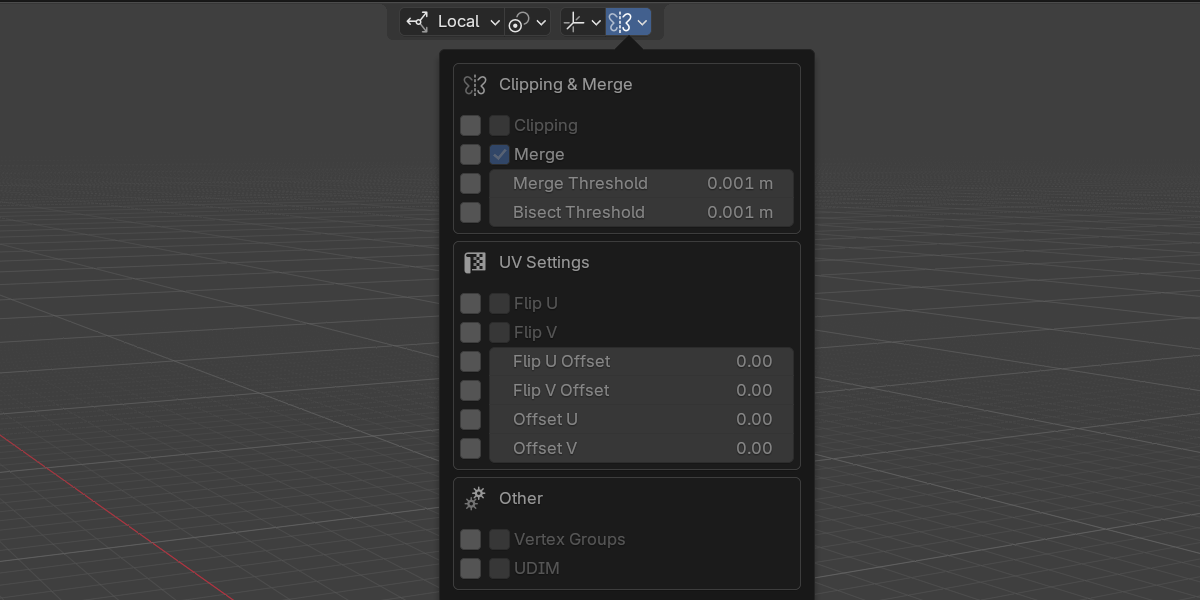
Each row has its own Apply checkbox. Tick a row to opt that setting into newly created or edited modifiers; leave it unticked to inherit Blender’s default. This lets you push only the settings you care about without overwriting everything else.
The settings are grouped:
| Group | Settings |
|---|---|
| Clipping & Merge | Clipping, Merge, Merge Threshold, Bisect Threshold |
| UV | Flip U, Flip V, Flip U Offset, Flip V Offset, Offset U, Offset V |
| Other | Vertex Groups (mirror .L to .R vertex groups), UDIM |
The whole Mirror Options popover is greyed out in Real mode, because no modifier is created there.
Real mode
Real (an Object-Mode header checkbox) swaps modifiers for geometry: instead of adding non-destructive Mirror modifiers, Rotor creates real, duplicated, flipped copies of the selected objects.
- It is always additive — every click adds another flipped copy.
- The Mirror Options popover is disabled, since there is no modifier to configure.
Addon Preferences
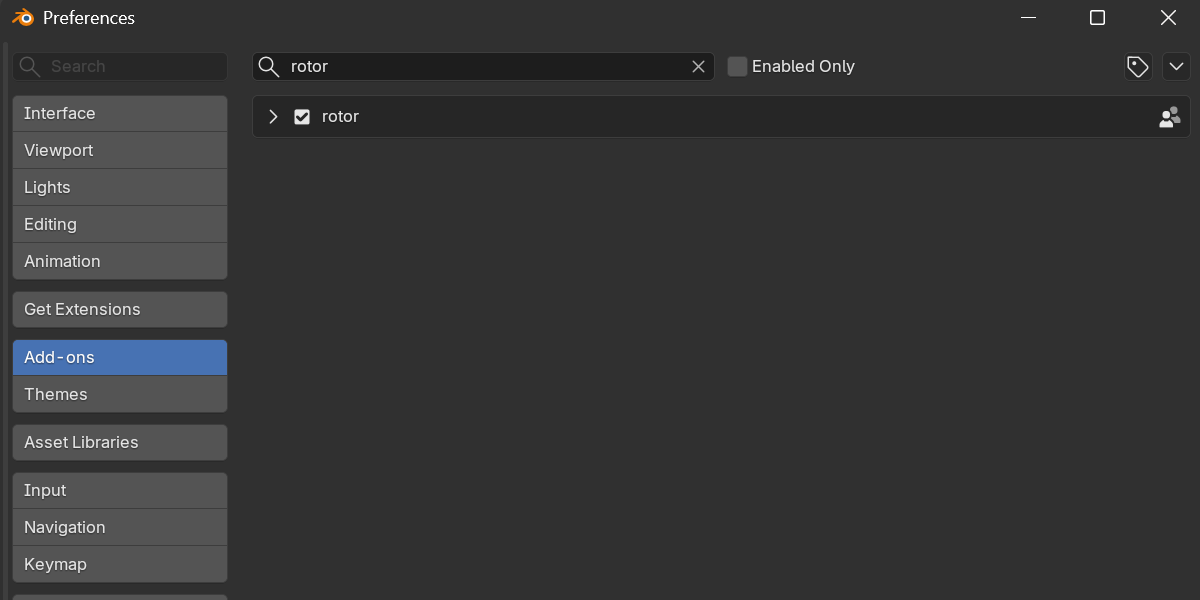
Open Edit > Preferences > Add-ons > rotor. The preferences are split across three tabs.
Info
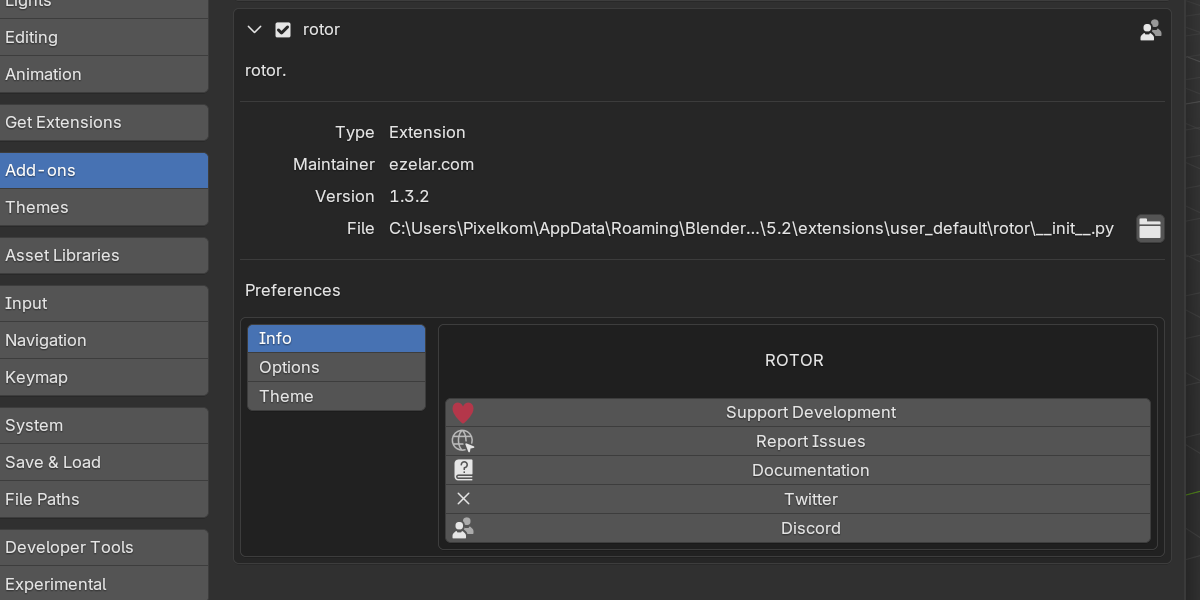
The Info tab shows the ROTOR banner and a row of links:
- Support Development — Superhive
- Report Issues — GitHub
- Documentation
- Discord
Options
- Gizmo Size — a global multiplier shared by every Rotor gizmo. Useful range is about
0.5xto2.0x. - Reverse Controls — swaps the
+and-axis directions, so an arrow that mirrored+Xnow mirrors-X.
Theme
The Theme tab sets the Axis Colors used by the gizmos:
- X — red
- Y — green
- Z — blue
- G — gray, used for inactive arrows
- N — yellow, used for the collection / normal gizmo
Next
Continue to the Keymap for the full list of shortcuts.