Rotor
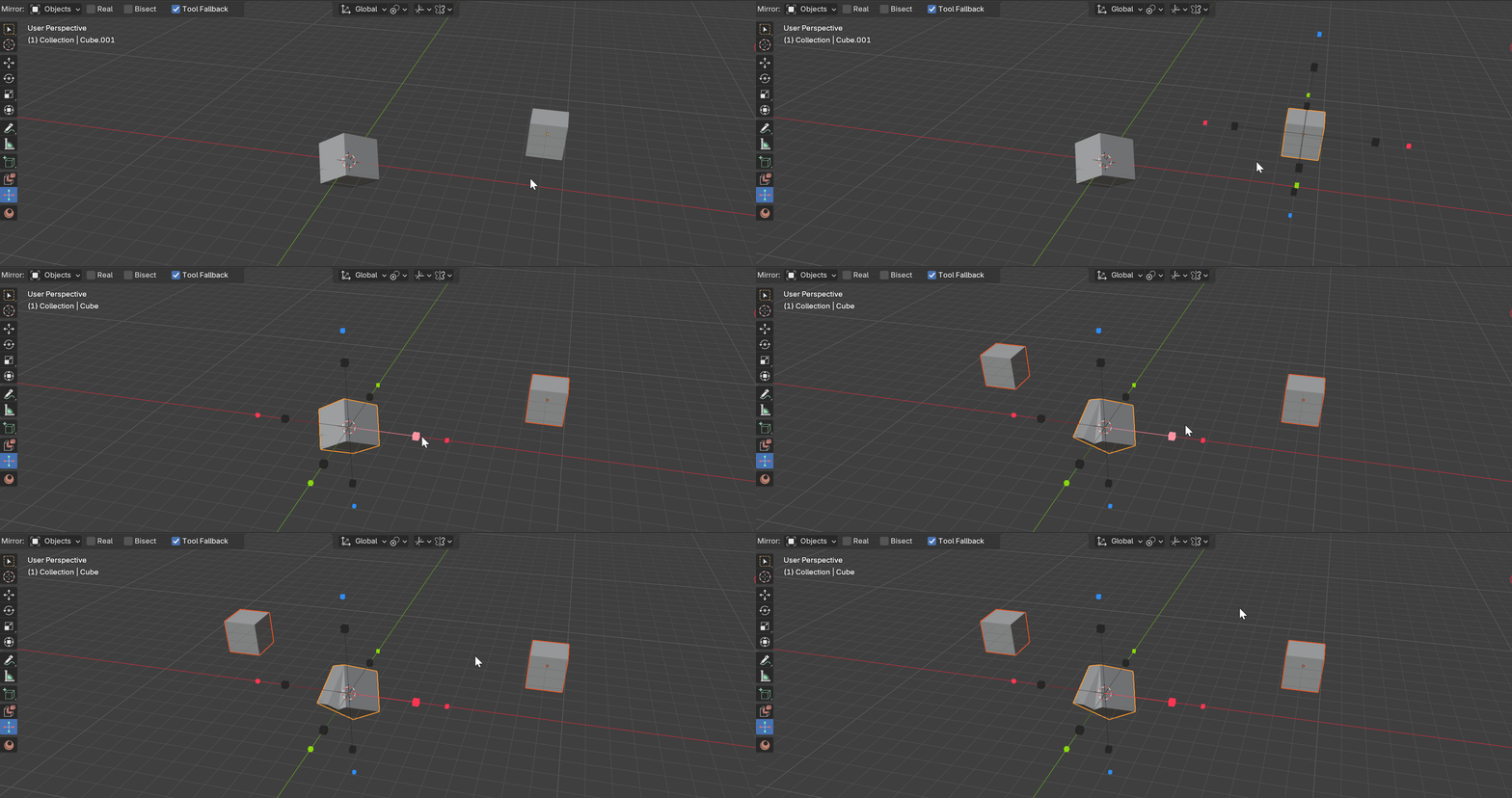
A fast mirror tool for Blender that works in both Object and Edit mode, driven by viewport gizmos.
What it does
- One-key
Alt+Xaccess in both Object Mode and Edit Mesh. - Click-a-gizmo mirroring with live Mirror modifiers (non-destructive) — or Real flipped copies.
- Edit-mode symmetrize: handles mirror the selection, dots mirror the full mesh.
- Global / Local / Cursor / Normal / Custom orientations and Active Element / Individual Elements / World / Cursor / Median Point / Object Origin / Custom pivots.
- An interactive Custom plane picker on
Space. - Mirror whole Collections, instanced through an empty.
- Full Blender Mirror-modifier options, opt-in per setting.
Two modes
-
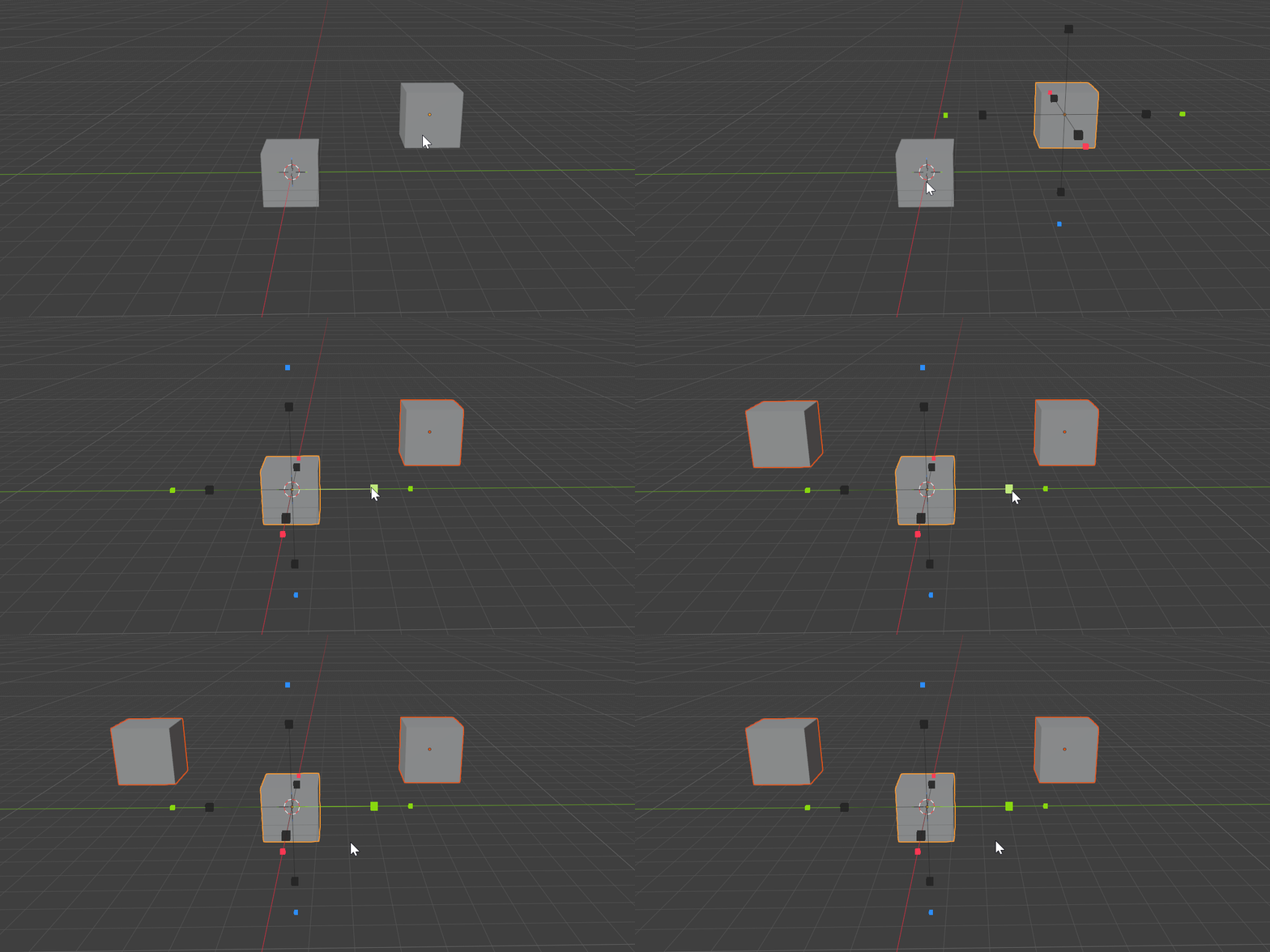
Object Mode — the gizmo adds non-destructive Mirror modifiers (or Real copies) to the selected objects.
-
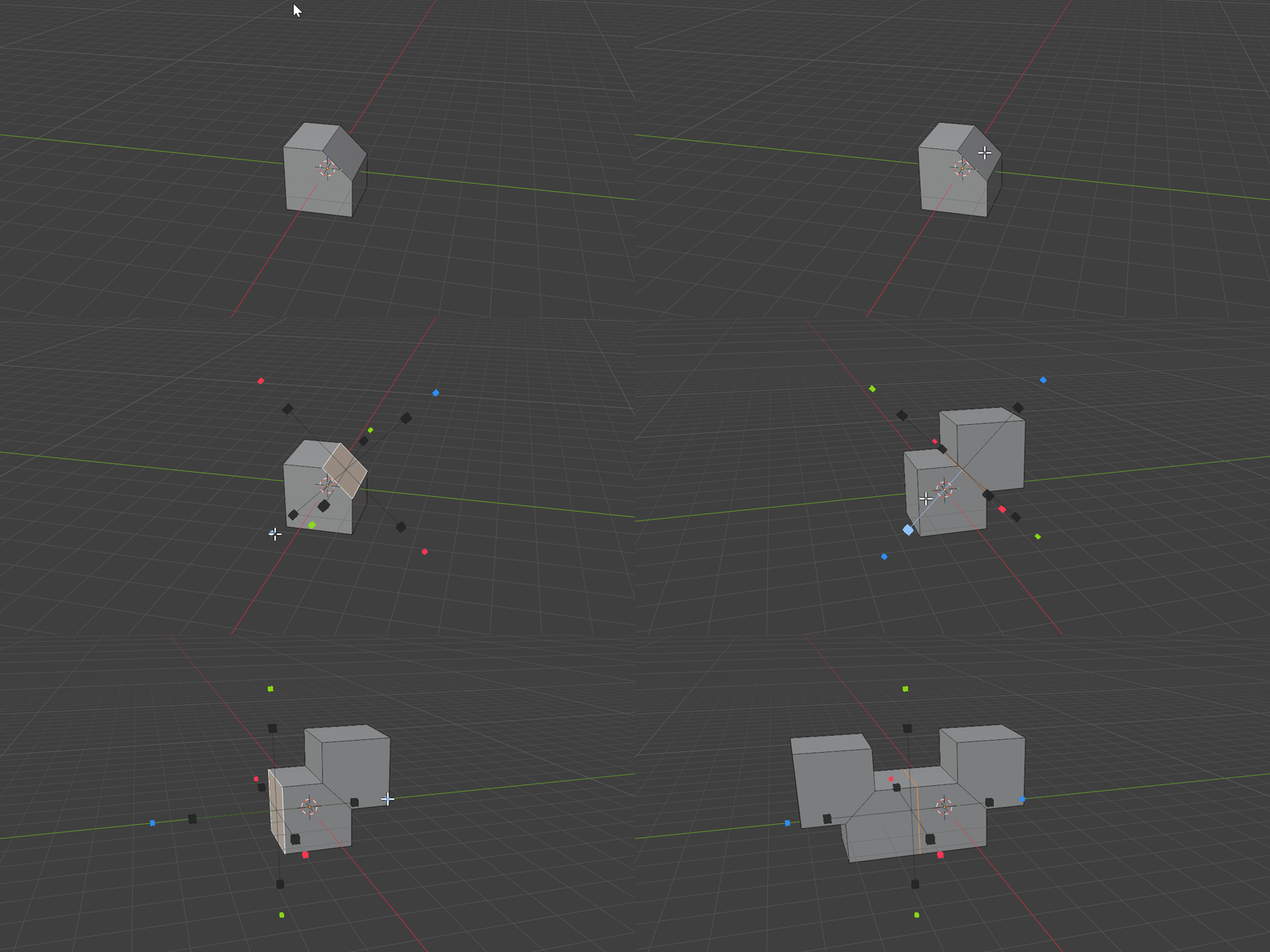
Edit Mesh — the gizmo sits on a plane derived from your selection and symmetrizes geometry across it.
Key shortcuts
| Input | Action |
|---|---|
Alt+X |
Activate the Mirror tool (Object & Edit) |
| Click outer arrow | Add a new Mirror modifier to the stack |
| Click inner box | Toggle an axis on the pinned Mirror modifier |
Space |
Pick a Custom plane |
Q |
Cycle Orientation |
E |
Cycle Pivot |
Esc |
Return to the previous tool |
Requirements
- Blender 5.0 or newer.
- Windows, macOS, Linux.
- License GPL-3.0-or-later.
Download
New to Rotor? Start with the Quick Start.